Choosing an AI creative tool involves more than finding an impressive image generator. Creators also need control over composition, consistent visual styles and enhancement tools that prepare their work for publishing.
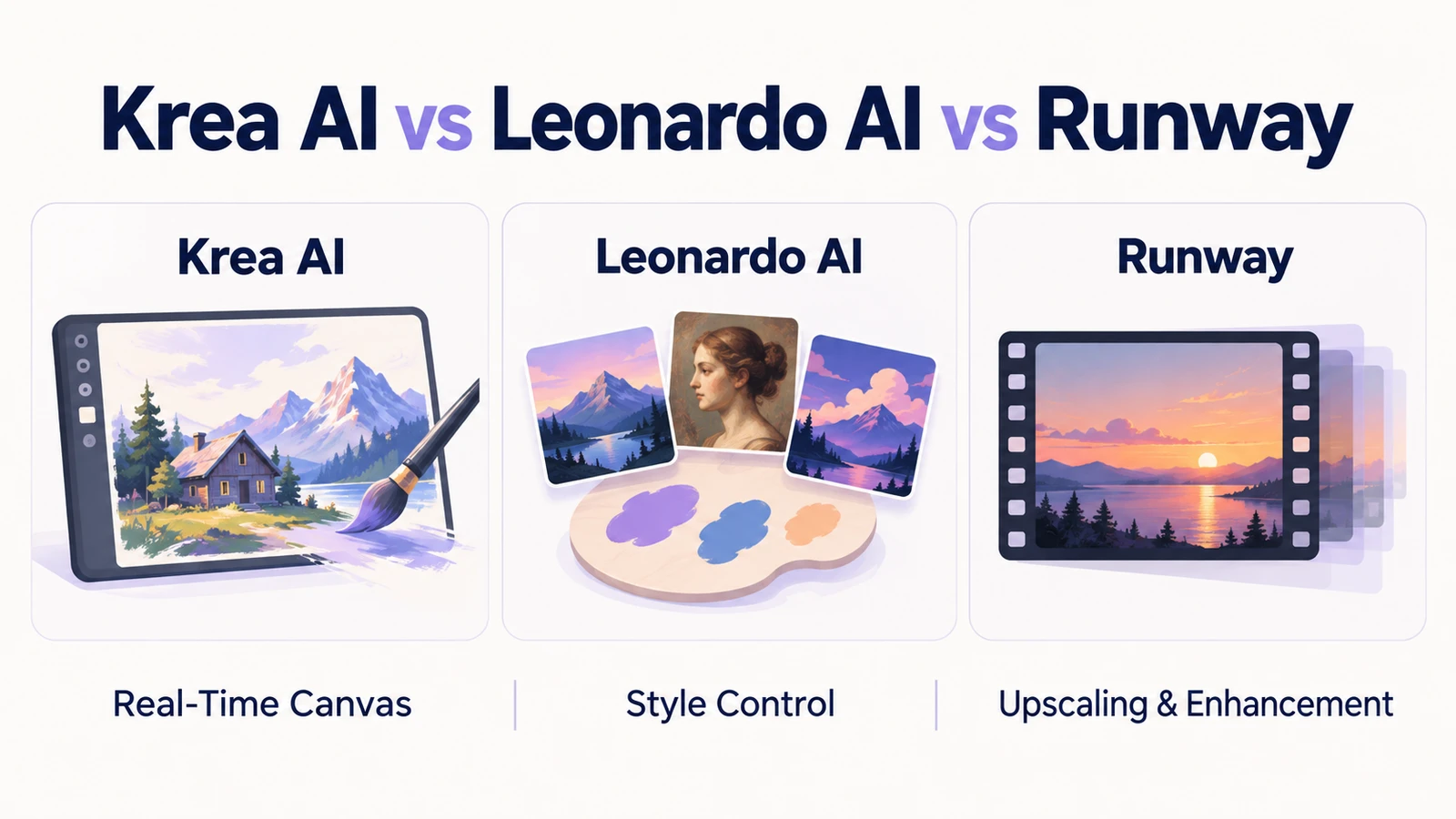
This Krea AI vs Leonardo AI vs Runway comparison examines three practical parameters: Real-Time Canvas, Style Control, and Upscaling & Enhancement. These features matter when creating blog illustrations, YouTube thumbnails, social graphics, character artwork and video concepts.
My accompanying graph presents my personal test ratings. It reflects my experience with the workflows I tested, rather than an independent benchmark of every model or paid feature.
Krea AI vs Leonardo AI vs Runway: Quick Comparison
| Parameter | Krea AI | Leonardo AI | Runway |
|---|---|---|---|
| Real-Time Canvas | Live drawing and composition feedback | Sketch-based generation with adjustable creativity | Prompting, image references and sketch annotations |
| Style Control | Style references, transfer and custom training | Presets, image guidance and custom models | Reference-based generation and image stylization |
| Upscaling & Enhancement | Basic and advanced enhancement workflows | AI upscaling and creative refinement | Still-image upscaling alongside video tools |
| Workflow fit | Visual experimentation | Repeatable illustration and asset creation | Image-to-video and cinematic content workflows |
These workflow recommendations reflect the documented features and my test preferences. They should not be read as universal quality rankings.
Krea AI vs. Leonardo AI vs. Runway
Direct capability comparison across core creative parameters (scored out of 10)
1. Real-Time Canvas: Drawing Versus Direct Prompting
Krea AI: Immediate Visual Feedback
Krea’s Realtime workspace places your input canvas beside the generated output. You can draw rough strokes, add shapes, change colours or reposition elements while watching the result update.
For example, a rectangle and triangle can establish a house, while green brushstrokes suggest a tree. This makes it easier to explore composition before committing to detailed textures.
The advantage is spatial control: you can show the AI where objects belong. However, the live preview is an intermediate creative stage; it should not automatically be treated as a finished high-resolution image.
Leonardo AI: Sketching With Creativity Controls
Leonardo’s official feature name is Realtime Canvas. It interprets sketches in near real time, generally updating after an interaction finishes.
Its creativity controls influence how closely the result follows your drawing. Lower creativity can preserve colours and layout more closely, while higher creativity allows greater interpretation. Style presets and guidance provide additional direction.
This approach suits creators who want to establish a layout visually and then refine the result.
Runway: References and Written Direction
Runway supports image references and sketch annotations for directing composition. These features differ from a live drawing canvas that continuously renders your brushstrokes.
Reference-based generation can still help communicate subject placement and visual relationships. Consequently, describing Runway as having no drawing-related controls would be too broad.
In my Krea AI vs Leonardo AI vs Runway chart, Krea scores 10, Leonardo 9 and Runway 3 for this category. Runway’s score represents my preference for live canvas interaction, rather than a claim that its reference workflow is ineffective.
2. Style Control and Asset Consistency
Leonardo AI: A Structured Asset Workflow
Leonardo provides presets, image guidance and custom model options. Its supported guidance workflows include style references, allowing an uploaded image to influence the visual treatment of a new generation. Availability and controls depend on the selected model and plan.
These tools are useful when creating related illustrations, campaign graphics or character concepts.
Consistency still requires inspection. A reference can guide a face or aesthetic, but it does not guarantee identical facial features, clothing details or proportions in every result.
Krea AI: More Than Custom Training
Krea’s style control extends beyond LoRA training. Its Krea 2 workflow supports style transfer through reference images, including multiple references with adjustable influence.
That matters for creators who want to explore a visual identity without first preparing a training dataset.
Custom training remains useful for recurring subjects or aesthetics, but it is inaccurate to suggest that every untrained workflow requires manual colour matching.
Runway: Reference-Based Visual Direction
Runway’s image references can guide characters, objects, environments and styles. They also support combining visual elements from different sources.
For a video creator, reference stills can establish a visual direction before animation. Nevertheless, image consistency and consistency across moving frames are separate tests.
My Krea AI vs Leonardo AI vs Runway style ratings favour Leonardo at 10, followed by Krea at approximately 8.5 and Runway at 8.
3. Upscaling & Enhancement: Detail Versus Fidelity
Krea AI: Creative Detail Enhancement
Krea offers enhancement workflows that can introduce richer textures and sharper detail. Its Magnific workflow is intended for creative enhancement, where the model may reconstruct or invent detail while following the source.
This can help polish soft AI artwork, but added texture is not necessarily recovered original information.
Krea currently advertises basic free upscaling up to 2K and paid upscaling options up to 22K. Those limits depend on the selected workflow and subscription.
Leonardo AI: Refinement With Adjustable Creativity
Leonardo’s AI upscaling tools enhance resolution and detail, while its canvas workflow also offers refinement options.
Its Universal Upscaler can introduce creative changes. Therefore, compare both sharpness and fidelity: does the improved image retain the original face, object shape and artistic treatment?
Free tokens can be used for upscaling, but maximum 8× Pro Upscaler magnification requires a premium subscription.
Runway: Still Images Deserve a Separate Test
Runway offers a one-step Upscale Image app that produces output up to 4K. It also documents Magnific Precision v2, with controls for scale, sharpness, grain and fine-detail enhancement.
It should therefore be evaluated for still-image enhancement, alongside its video capabilities. Do not assume that upscaling automatically fixes motion jitter or performs frame interpolation.
My enhancement ratings are Krea 10, Leonardo 8 and Runway 6. These describe my tested results, rather than every available upscaler.
Krea AI vs Leonardo AI vs Runway: Subscription Plans
The following USD prices were checked on October 2, 2026. Annual subscriptions require annual payment; taxes and checkout offers may affect the final cost.
| Tool | Free allowance | Paid individual plans |
|---|---|---|
| Krea AI | 100 compute units daily | Pro and Max |
| Leonardo AI | 150 tokens daily | Essential $12/month; Premium $30/month; Ultimate $60/month |
| Runway | 125 one-time credits | Standard $15/month; Pro $35/month; Max $95/month |
Krea’s pricing page displays Pro at $21/month and Max at $63/month, alongside $35 and $105 reference prices and annual-saving messaging. Confirm the selected billing period and total at checkout. View Krea pricing.
Leonardo’s higher tiers increase token allowances, privacy options and generation capacity. Unlimited relaxed generation applies to selected models. View Leonardo pricing.
Runway’s annual equivalents are $12, $28 and $76 monthly. Its free credits do not renew. View Runway pricing.
How These Tools Help Creators
For bloggers, a visual canvas can speed up illustration planning. For YouTubers, style references can help develop related thumbnails and scene concepts. For designers, enhancement can prepare selected artwork for larger displays.
A practical Krea AI vs Leonardo AI vs Runway workflow is to sketch the composition, establish the style, inspect the best result and upscale only the selected image.
Check faces, hands, text and product details before publishing. Sharper output does not automatically mean more accurate output.
Which Tool Should You Choose?
My Krea AI vs Leonardo AI vs Runway tests favour Krea for live experimentation and enhancement, and Leonardo for style control. Runway remains worth considering when your project connects still images with video production.
Start with the free plans and your own inputs. The strongest choice is the tool that produces usable results with fewer corrections and an affordable cost per finished asset.
Testing note: These ratings reflect my personal experience with the plans, models and settings available during testing. Results may vary.