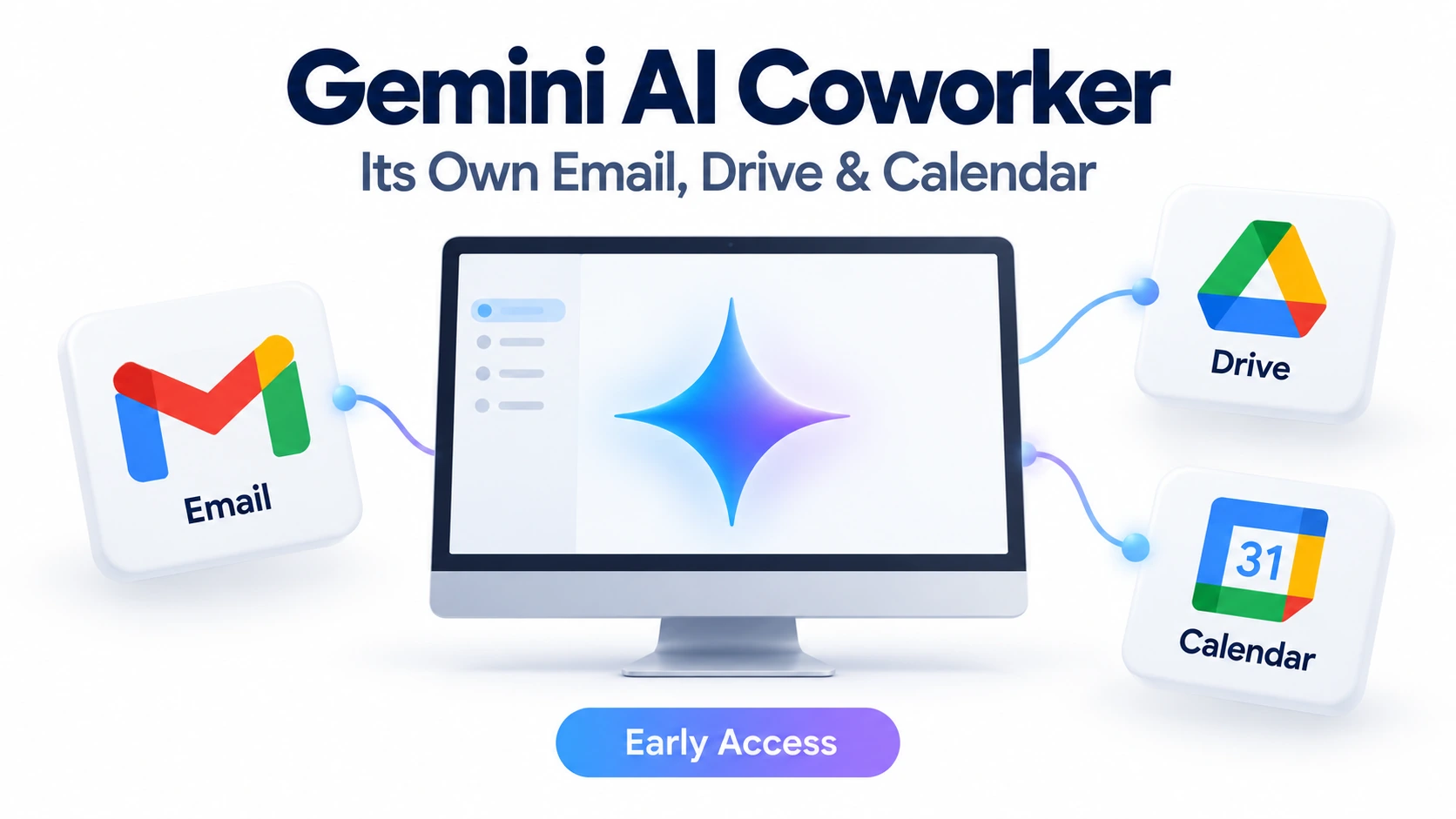
The Gemini AI coworker is Google’s new way to let its Gemini agent work like a team member, with its own email address, calendar and Drive. Announced on October 8, 2026 at the Gemini at Work event, the “coworker” setup lets a business create an AI agent with a defined role, such as event coordinator, and add it to a Chat space like any colleague.
There is a catch. The coworker agent is not open to everyone yet, and Google has not announced pricing. This guide explains what was announced, what is still unclear, and what freelancers and small teams can do right now.
What is the Gemini AI coworker?
The Gemini AI coworker is a setup of Google’s Gemini agent in which the agent holds a standing role on a team, with its own identity inside Google Workspace. Google describes the Gemini agent as a “universal agent for work” that can act as a personal assistant or as a team member.
When it is set up as a coworker, the agent gets:
- Its own email address
- Its own calendar
- Its own Google Drive storage
- An entry in the company directory
Teammates work with it the way they would with a person: add it to a Chat space or mention it. News reports also describe agent email addresses in an agents.company.com format.
One detail matters for security. The agent acts under its own identity, not yours. If it edits a document, the history shows the agent’s name, not the name of the person who asked.
What can it do, and does it work when your laptop is closed?
Google says the agent is built to take a goal and finish the work, not just answer one question at a time. It can plan the work, pick tools, connect to business apps, create content, and write and run code.
Google gives two examples:
- Meeting coordination: the agent finds the right colleagues, checks their calendars and starts an email thread to agree on a time.
- Multi-app projects: it researches a topic, builds a spreadsheet model and prepares a presentation.
Reports also say it works inside Microsoft 365 and Slack, not only Google apps.
The Gemini AI coworker runs in the cloud, so longer tasks can continue after you close your laptop. Google says it keeps context across sessions and devices, and it can hand parts of a job to specialized sub-agents.
These are Google’s own descriptions. Every task still needs a human check: a job finished in minutes can create hours of cleanup if the agent misses context or makes an error.
The catch: limited access and no pricing yet
You cannot switch the Gemini AI coworker on today just by having a Google account. Google’s small-business announcement says Gemini is in early access with small and midsize business customers, with broader access expected later. Other news reports describe the agent as a private preview for enterprise customers.
Google has not said that a personal Gemini subscription includes the coworker setup. Having Gemini in Gmail or Docs does not mean you have it.
Pricing is also open. A Google representative told analyst firm Futurum that Google does not plan to charge a per-seat license for coworker agents in Workspace, and that pricing details will come closer to wider availability. Reports also note that Google has not said whether extra Workspace licenses will be needed.
What to do: if you run a Workspace business account, ask your Google representative or Workspace admin about eligibility, supported features and account requirements before you plan around it.
Why an AI coworker still needs boundaries
The name “coworker” can make the agent sound like an employee with full trust. It is not. Google says each Gemini AI coworker has its own identity and limited access based on its role, and that it only sees what people choose to share with it.
Google also lists controls for businesses: permissions passed through standard sign-in systems such as OAuth, an activity log for each agent, and spending caps, including project-level caps in its small-business announcement.
If you get access, these habits make sense:
- Start with low-risk, repeatable tasks such as scheduling or research.
- Share only the folders and spaces the agent needs.
- Set a spending cap before you delegate big jobs.
- Read its work before anything goes to a client or customer.
How it could help freelancers and small businesses
Google pitches the agent at lean teams that juggle many tools. Its small-business announcement mentions roles such as project management, inventory management and marketing support.
Three uses are worth watching:
- Routine coordination: moving a task between apps without re-explaining the project each time.
- Content preparation: handing off research, documents and slide drafts.
- Admin work: meeting scheduling and other repetitive tasks that eat into client time.
These are possible benefits based on what Google announced, not measured results. Also, a Gemini AI coworker is designed around a team and shared spaces, so a solo freelancer may get less out of it than a small team would.
What you can do today
You do not need to wait for the coworker agent to start saving time with AI. Here is a simple plan:
- List your repeat tasks. Write down three jobs you do every week, such as scheduling, research or first drafts.
- Try the tools you can already use. AI assistants built into Gmail, Docs and Sheets, and general-purpose AI chat tools, can already handle drafting, summarizing and research.
- Check your Google plan. Find out whether you use a Workspace business account, since that is where the coworker agent is appearing first.
- Watch for wider rollout. When Google opens access further, test the agent on one small task before trusting it with more.
Frequently asked questions
What is the Gemini AI coworker?
It is a setup of Google’s Gemini agent in which the agent holds a defined role on a team and has its own identity in Google Workspace.
Can it have its own email address, Drive and Calendar?
Yes. Google describes a Workspace account for the agent with an email address, calendar, Drive storage and a place in the company directory.
Can the Gemini AI coworker keep working when my laptop is closed?
Yes, according to Google. The agent runs in the cloud, so longer tasks can continue after you close your laptop.
Is the Gemini AI coworker available to every small business?
No. Google describes early access for small and midsize business customers, and some reports call it a private preview for enterprise customers. Broader access is expected later.
Does a personal Gemini subscription include the Gemini AI coworker?
Google has not said so. Check with Google before assuming you have access.
How much does it cost?
Google has not published pricing. A Google representative said it does not plan a per-seat license for coworker agents in Workspace and will share details closer to wider availability.
Can the Gemini AI coworker replace an administrative employee?
It may automate some tasks. Google has not claimed it can replace the judgment and accountability of a person, and its work still needs review.