Making videos should not mean paying for expensive software before you have uploaded your first project. Whether you create YouTube tutorials, Instagram Reels, travel videos or educational content, a capable free editor can help you get started.
However, free video editors come with different conditions. Some offer generous export settings but charge for additional AI tools. Others provide automatic captions and voiceovers while limiting how much you can generate each month.
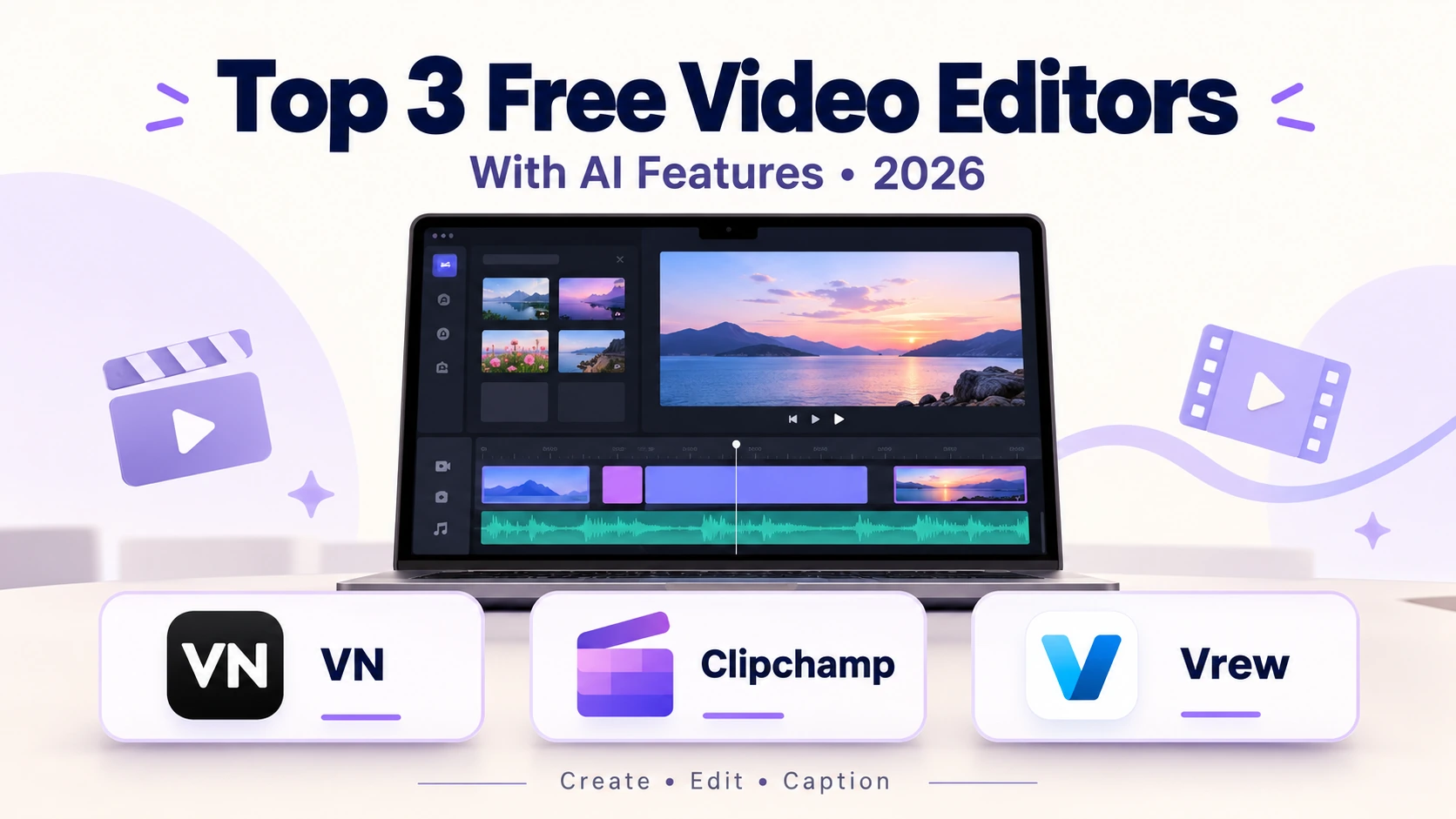
VN Video Editor, Microsoft Clipchamp and Vrew are three useful options with different strengths. VN suits creators who want creative control. Clipchamp makes everyday editing straightforward. Vrew helps people work through spoken content using a transcript.
This guide compares their features, explains their limitations and covers paid subscription options in US dollars.
Pricing checked on October 5, 2026. Prices can vary by platform, region, taxes and promotional offers.
Free Video Editors: Quick Comparison
| Feature | VN Video Editor | Microsoft Clipchamp | Vrew |
|---|---|---|---|
| Best for | Creative edits, travel videos and Reels | Simple YouTube videos and quick edits | Narration-led videos and captions |
| Editing approach | Multi-track timeline | Timeline with templates and AI assistance | Text-based editing |
| AI features | Auto-captions, text-to-speech, cutout and AutoCut | Auto-captions, text-to-speech and auto composition | Transcription, silence removal, translation and AI voices |
| Export considerations | Advertises up to 4K at 60fps | Free personal plan: up to 1080p; 30fps exports | Check the available settings in your installed version |
| Watermark considerations | Advertises free editing without a watermark | No watermark with your own or free assets | Check current plan branding options |
| Platforms | Android, iOS, macOS; Windows download listed | Windows app and supported browsers | Windows, macOS and Linux |
| Main limitation | AI access varies by version and purchase | Premium features and 4K require an eligible subscription | Shared monthly AI credit allowance |
These details come from official product listings and documentation. A listed AI feature does not necessarily include unlimited free use.
1. VN Video Editor: Best for Creative Timeline Editing
Official website: VN Video Editor
VN is worth considering if you want to arrange your own clips, control transitions and develop a recognisable editing style.
Its timeline supports multiple layers of footage, images, text and audio. You can animate elements with keyframes, adjust speed curves and use filters or imported LUTs to change the appearance of your footage. VN also advertises high-quality exports up to 4K at 60fps.
Among free video editors, this makes VN an appealing starting point for visual storytelling. A travel video, for example, needs careful timing between wide shots, close-ups and movement. An image-based documentary needs similar attention to avoid feeling like a static slideshow.
VN’s AI Features
VN now offers more automation than older descriptions suggest. Its current listings advertise auto-captions, text-to-speech, background cutout, smooth slow-motion tools and automatic edits using beat-synchronised templates.
Availability and free allowances can differ between app versions, so check the feature inside your installed app before planning a large project around it.
VN Pro Pricing in USD
The US iOS App Store currently lists these purchase options:
| Purchase | Listed USD price |
|---|---|
| VN Pro option | $7.99 |
| VN Pro option | $69.99 |
| 100 credits | $1.00 |
| 300 credits | $3.00 |
| 500 credits | $5.00 |
| 1,000 credits | $10.00 |
The public listing does not clearly identify the billing periods for the two VN Pro options. Confirm their duration and included benefits on the in-app purchase screen. These prices apply to the US iOS listing and may differ elsewhere.
Who Should Choose VN?
Choose VN when you want hands-on control over a video’s appearance. It is a sensible option for creators willing to spend time adjusting visual timing, movement and music.
2. Microsoft Clipchamp: Best for Easy Windows and Browser Editing
Official website: Microsoft Clipchamp
Clipchamp offers an approachable workflow for people who need to finish a video quickly. You can combine recordings, photographs and music without first learning a complex professional editor.
Its free personal version supports exports up to 1080p. Videos made with your own media or free stock assets can be exported without a watermark. That is useful for tutorials, presentations and straightforward YouTube uploads.
Free AI Tools That Save Time
Clipchamp includes automatic captions, text-to-speech and AI auto composition. The composition tool can assemble uploaded photographs and clips into an initial edit, making it useful for highlights or simple slideshows. Microsoft states that its AI editing tools are free for users.
For anyone comparing free video editors, the appeal is convenience. You can organise visuals, add narration and generate captions within the same workspace.
What Are the Free-Plan Limitations?
The free personal plan stops at 1080p exports. Microsoft documents MP4 output at 30fps, so a paid upgrade for 4K should not be confused with gaining 60fps export.
Premium stock media or other premium features require an eligible subscription. To continue using the free plan, remove those items before exporting.
Also, exporting 4K footage at 1080p changes the finished video’s resolution; your original source file remains intact.
Clipchamp Paid Options in USD
Eligible Microsoft 365 Personal, Family and Premium subscriptions include Clipchamp premium features. Microsoft currently excludes project cloud backup from those bundled benefits.
| Subscription | US monthly price |
|---|---|
| Microsoft 365 Personal | $9.99 |
| Microsoft 365 Family | $12.99 |
| Microsoft 365 Premium | $19.99 |
Microsoft 365 Personal also has a $99.99 annual option. These subscriptions include a wider collection of Microsoft services rather than Clipchamp alone.
Check the official Microsoft pricing page before purchasing. If you already subscribe to Microsoft 365, review your existing benefits first.
3. Vrew: Best for Captions and Text-Based Editing
Official website: Vrew
Vrew centres its workflow on spoken content. It transcribes a recording, then lets you edit the corresponding footage by cutting, copying or moving text.
Its advertised tools include automatic captions, silence removal, translation and AI voiceovers. The software is available for Windows, macOS and Linux.
Among free video editors, Vrew deserves attention if you regularly make tutorials, interviews or narration-led videos.
For example, a transcript can help you locate repeated sentences without repeatedly listening through the entire recording. However, review automatic cuts carefully. A short pause can improve clarity or add emphasis.
How Vrew’s Free Credits Work
Vrew uses a shared credit system across AI features. Its official update lists 200 monthly credits for free users.
One credit covers one minute of transcription, 100 characters of AI voice generation or 300 characters of translation. Therefore, 200 transcription minutes and 20,000 voiceover characters represent alternative uses of the same allowance. They are not separate monthly benefits.
Vrew Paid Subscription Plans
| Plan | Monthly AI credits | USD subscription price |
|---|---|---|
| Free | 200 | $0 |
| Light | 2,000 | US$133.99 / Year |
| Standard | 10,000 | US$219.99 / Year |
| Business | 12,000 | US$344.99 / Year |
Free credits refresh on the first day of each month. Paid credits refresh on the billing date, and unused credits do not roll over.
Vrew offers monthly and annual billing, but its public page did not display verifiable current USD amounts during this check. Consult the official Vrew pricing page for the checkout price.
Which of These Free Video Editors Should You Choose?
Choose according to the work that takes most of your time.
VN is the strongest fit here for creators who want to shape their visuals manually. Clipchamp offers a convenient starting point for simple videos with free 1080p output. Vrew suits workflows built around transcripts and captions.
Before committing, make one short sample with your actual footage and narration. Generate captions, make a few cuts, add music and export the result. Check whether the process feels comfortable and whether the finished video meets your needs.
The best free video editors help you publish consistently. Start with the option that fits your workflow, then pay when a specific limitation is costing you time.
A useful editor should make your next video easier to finish—not simply give you a longer list of features.