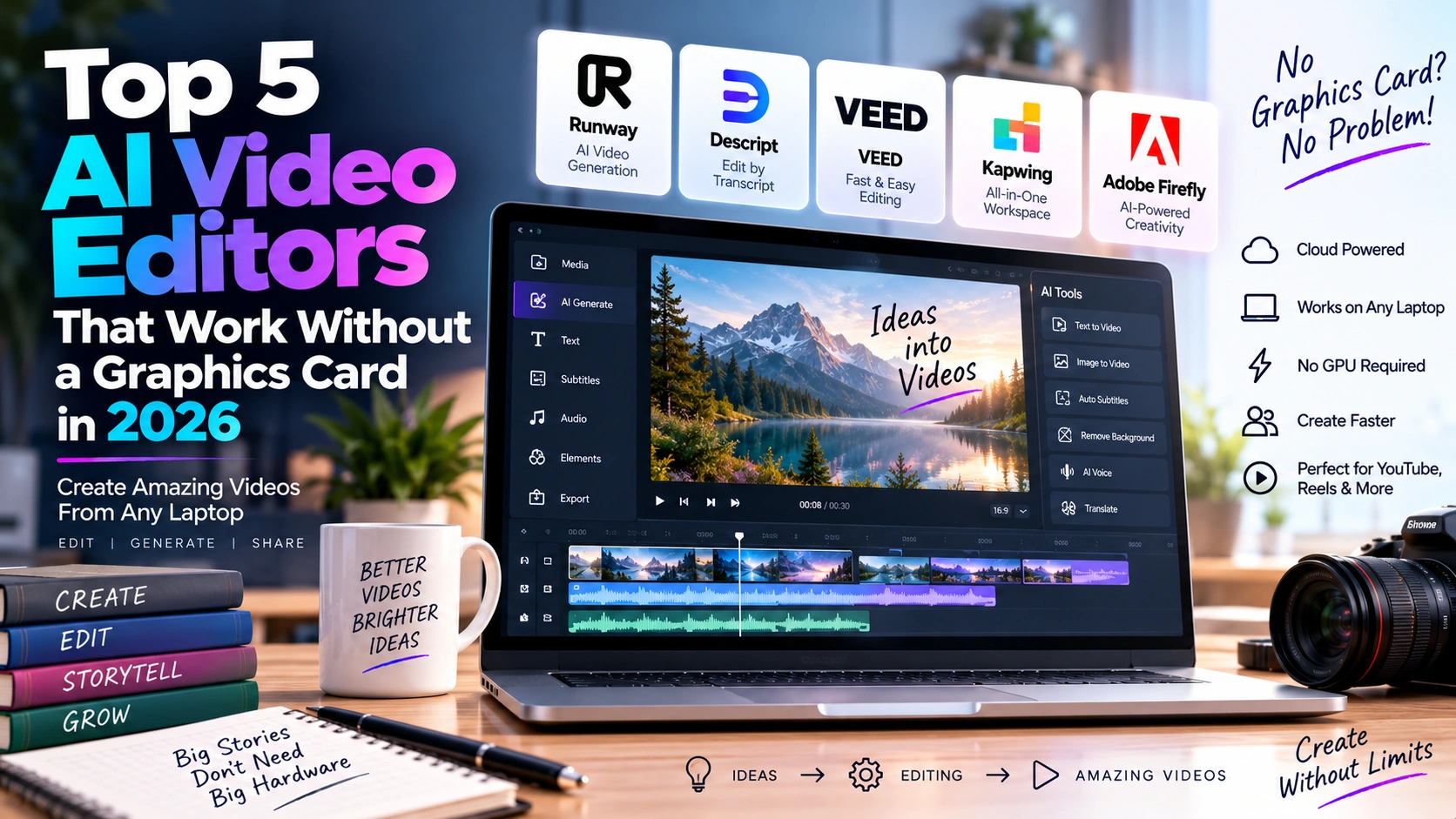
Creating professional videos no longer requires an expensive desktop computer with a powerful NVIDIA or AMD graphics card. In 2026, cloud-based artificial intelligence has changed the video editing landscape, allowing creators to generate, edit, enhance and export videos directly from a web browser.
For creators building YouTube channels, social media accounts, educational videos, storytelling channels or marketing campaigns, AI video editors without a graphics card can significantly reduce the hardware barrier to entry.
Instead of performing every demanding AI operation locally, many modern platforms process AI generation and other intensive tasks on cloud infrastructure. Your computer primarily needs a compatible browser, a stable internet connection and enough CPU and RAM to handle the browser and uploaded media.
This makes AI video editors without a graphics card particularly attractive to creators using standard laptops, office computers and budget-friendly PCs.
In this guide, we compare five popular options: Runway, Descript, VEED, Kapwing and Adobe Firefly.
What Are AI Video Editors Without a Graphics Card?
AI video editors without a graphics card are primarily cloud-based editing or video-generation platforms that allow users to perform advanced video tasks without requiring a dedicated GPU in their own computer.
Traditional desktop video applications can benefit significantly from powerful GPUs when rendering effects, encoding high-resolution footage, applying AI effects or generating visual content. Cloud-based platforms move many of those computationally intensive operations to remote servers.
However, “without a graphics card” does not mean that your computer does absolutely no processing. Video playback, browser rendering, file uploads and some editing operations can still use your CPU, RAM and integrated graphics.
The major advantage is that you don’t need a high-end dedicated graphics card such as an RTX-series GPU simply to access many modern AI video workflows.
Comparison: Top 5 AI Video Editors Without a Graphics Card
| AI Video Editor | Best For | Cloud/Browser Workflow | AI Features | Free Plan | Paid Plans Starting From |
|---|---|---|---|---|---|
| Runway | Generative video & cinematic B-roll | Yes | Text-to-video, image-to-video, AI generation | Yes | $15/month |
| Descript | Script-based editing | Yes | AI editing, transcription, voice, clips | Yes | $16/month |
| VEED | Social media & fast editing | Yes | AI video, subtitles, avatars, voices | Yes | $9/month billed annually |
| Kapwing | All-in-one online editing | Yes | AI generation, subtitles, dubbing, editing | Yes | $16/month billed annually |
| Adobe Firefly | AI generation & browser editing | Yes | Generative video, AI editing, audio | Yes | $9.99/month |
Prices can vary by billing cycle, region, taxes and promotional offers. Check the official pricing page before subscribing.
1. Runway: Best for AI-Generated B-Roll
Runway is one of the most powerful AI video editors without a graphics card for creators who need AI-generated footage rather than simply traditional timeline editing.
Runway’s Gen-4.5 supports text-to-video and image-to-video generation through the web. Gen-4.5 currently supports generations between 2 and 10 seconds, and the model is available on Standard and higher plans.
This makes Runway particularly useful for creators producing cinematic storytelling videos. For example, a YouTube creator could generate atmospheric establishing shots, fantasy environments, historical scenes or visual B-roll without installing a local AI video-generation model.
Runway’s current individual plans include Free, Standard, Pro and Max. The Standard plan costs $15 per month, or $12 per month when billed annually, with 625 monthly credits. Pro costs $35 monthly or $28 monthly with annual billing, while Max costs $95 monthly or $76 monthly with annual billing.
Key features
- Gen-4.5 text-to-video
- Image-to-video generation
- AI video and image models
- Cloud-based generation
- 4K upscaling on supported plans
- Text-to-speech and voice features
- AI editing tools
- Browser-based workflow
Best for
Runway is especially useful for creators who need custom AI-generated B-roll, cinematic scenes and visual storytelling without investing in a high-end GPU.
2. Descript: Best for Script-Based Video Editing
Descript takes a completely different approach to video editing.
Instead of forcing creators to work primarily with a traditional timeline, Descript allows you to edit video by editing its transcript. Delete a sentence from the text and the corresponding portion of the video can be removed.
This approach is particularly useful for YouTubers, podcasters, educators, interview creators and anyone producing narration-heavy videos.
Descript also provides AI-powered tools such as filler-word removal, Studio Sound, clip creation, AI speech and its Underlord AI video co-editor.
The platform currently has a free plan. Its Hobbyist plan costs $24 per month when billed monthly or $16 per month with annual billing. Creator costs $35 monthly or $24 with annual billing, while Business costs $65 monthly or $50 with annual billing.
Key features
- Transcript-based video editing
- Automatic transcription
- Remove filler words
- AI video co-editor
- AI voice and speech tools
- Create short clips
- Studio Sound
- Screen recording
- 4K export on Creator and higher
Best for
Descript is particularly suitable for script-heavy YouTube videos, podcasts, tutorials, interviews and voice-over content.
3. VEED: Best for Social Media Video Creation
VEED is another strong option among AI video editors without a graphics card because its workflow is designed around browser-based editing.
VEED combines a conventional online video editor with AI-powered tools. Its platform includes AI video generation, text-to-video, AI avatars, AI voice generation, voice cloning, subtitles, dubbing, background removal and other editing tools.
This makes VEED particularly useful for creators who regularly produce Instagram Reels, YouTube Shorts, TikTok videos, Facebook Reels and other social content.
VEED also provides access to multiple AI video models through its AI Playground, allowing creators to generate clips and then edit them in the same environment.
VEED’s Lite plan is listed at $9 per month when billed annually or $24 monthly, while Pro is listed at $24 per month annually or $55 monthly. Enterprise pricing is customized.
Key features
- Browser-based video editor
- AI video generation
- Automatic subtitles
- AI avatars
- Text-to-speech
- Voice cloning
- Dubbing
- Background removal
- Social-media video tools
- Multiple AI video models
Best for
VEED is a strong choice for creators who want to create, edit, caption and publish social-media videos quickly without relying on desktop editing software.
4. Kapwing: Best All-in-One Online Video Workspace
Kapwing combines AI tools with conventional video editing inside a browser.
The platform is designed for creators and teams that want a single online workspace for video editing, content creation, subtitles, collaboration and AI-powered workflows.
Kapwing’s Free plan provides 10 credits and allows exports up to 720p with a watermark. Its Pro plan costs $24 per month when billed monthly or $16 per member per month when billed annually. Pro includes 1,000 credits per month, 4K export, watermark-free videos, projects up to two hours and 100 GB of cloud storage.
The Business plan costs $64 monthly or $50 per member per month when billed annually, with 4,000 monthly credits, 500 GB storage and additional AI features such as voice cloning and lip sync.
Key features
- Browser-based timeline editing
- AI video generation
- Automatic subtitles
- Dubbing
- Voice cloning
- Lip sync
- 4K export
- Cloud storage
- Team collaboration
- Brand Kit
Best for
Kapwing is particularly useful for content creators, social-media teams and small businesses that want an all-in-one online production workspace.
5. Adobe Firefly: Best for AI Video Generation and Browser Editing
Adobe Firefly has become an important option for creators looking for AI video editors without a graphics card.
Adobe now provides a browser-based Firefly Video Editor that lets users upload footage, arrange clips on a timeline, generate AI video and sound effects, and make edits directly in the browser. Adobe’s documentation specifically describes the workflow as browser-based, with no software download required.
The Firefly Video Editor also supports common social-media aspect-ratio presets, making it useful for creating content for platforms such as Instagram, TikTok and Facebook.
Adobe currently offers Firefly Free, Standard, Pro and higher-tier options. The Firefly Standard plan is $9.99 per month and includes 2,000 monthly generative credits. Firefly Pro is $19.99 per month and includes 4,000 monthly credits.
Adobe is also currently offering a limited-time promotion that provides unlimited generations on selected models and features for eligible plans, subject to the promotion’s terms and duration.
Key features
- Browser-based video editor
- AI video generation
- Text-prompt video editing
- AI sound effects
- Timeline editing
- Adobe ecosystem integration
- Social-media aspect ratios
- Photoshop and Adobe Express integration on eligible plans
Best for
Firefly is particularly suitable for creators who want AI generation combined with Adobe’s broader creative ecosystem, without needing to install a traditional desktop video editor.
Why Choose AI Video Editors Without a Graphics Card?
The biggest advantage of AI video editors without a graphics card is accessibility.
You don’t necessarily need to spend thousands of dollars building a workstation before you can start producing AI-assisted videos. A standard laptop with a modern processor, adequate RAM, SSD storage and a reliable internet connection can be enough for many browser-based workflows.
Cloud processing is especially valuable for AI generation. Instead of installing large AI models and managing GPU drivers locally, you send a request to a cloud service and receive the generated result.
This approach can also make it easier to switch between computers. Your projects, assets or generated content may remain accessible through your online account, depending on the platform.
However, there are still practical limitations. Large video uploads can consume significant bandwidth, browser-based editing may become slower with very large projects, and AI generation is generally limited by credits, processing queues or subscription allowances.
Which AI Video Editor Should You Choose?
Your choice should depend on your workflow.
Runway is focused heavily on AI-generated visual content and cinematic B-roll.
Descript is designed around text-based editing and works particularly well for narration-heavy videos.
VEED emphasizes quick online editing, AI generation and social-media publishing.
Kapwing combines editing, AI features, collaboration and cloud storage in one workspace.
Adobe Firefly brings AI generation and browser-based editing into Adobe’s broader creative ecosystem.
Instead of asking which platform is universally the best, consider which workflow matches your needs. A creator producing cinematic storytelling may prioritize AI generation, while a podcaster may care more about transcription and audio editing.
Final Thoughts
The rise of AI video editors without a graphics card is making professional-looking video production more accessible.
Runway can generate custom visual footage, Descript can turn scripts into editable video projects, VEED provides a fast social-media workflow, Kapwing combines AI and traditional editing in the browser, and Adobe Firefly brings generative AI together with browser-based video editing.
For creators using ordinary laptops, this means a dedicated GPU is no longer an absolute prerequisite for experimenting with advanced AI video workflows.
The important thing to remember is that these platforms do not eliminate hardware requirements completely. Your computer still needs sufficient CPU, RAM, storage and a capable browser, while a stable internet connection is essential for cloud-based processing.
For creators starting a YouTube channel or building a faceless storytelling workflow, AI video editors without a graphics card can therefore provide a practical way to start creating without first purchasing an expensive GPU-powered workstation.
Official links and pricing pages
- Runway — Free, Standard, Pro and Max plans; Gen-4.5 available on paid tiers.
- Descript — Free, Hobbyist, Creator, Business and Enterprise plans.
- VEED — Browser-based AI video editor and generation platform.
- Kapwing — Free, Pro, Business and Enterprise plans.
- Adobe Firefly — Free, Standard, Pro and higher plans.