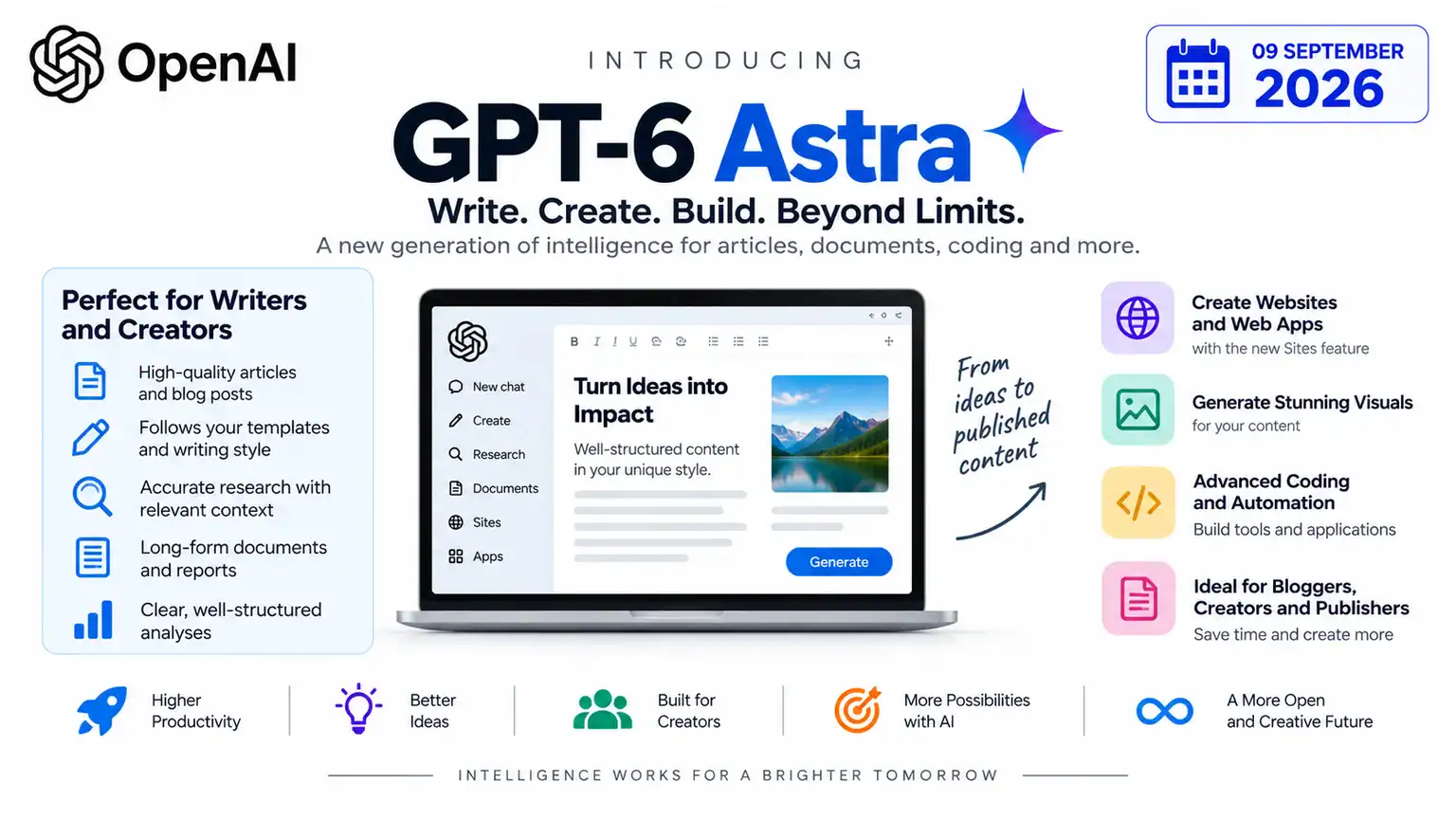
OpenAI has released GPT-6 Astra, its most capable model yet, built for long, multi-step work — research, coding, computer use, and document creation. Most coverage of Astra has focused on its benchmark scores and cybersecurity implications. What matters more if you’re a freelancer or content creator is simpler: can this model actually save you time and money in your day-to-day workflow, and is it worth paying for?
We’ve broken that down below, along with an honest look at where Astra fits (and doesn’t) if you’re running a one-person content operation.
What Makes GPT-6 Astra Different
Earlier ChatGPT models were mainly good at generating text when you prompted them. Astra is built to carry out multi-step tasks with less hand-holding — researching a topic, working across long documents, following a template, and producing a finished output rather than a rough draft you still have to assemble yourself.
For a freelancer, that distinction matters more than any benchmark score. It’s the difference between “write me a paragraph” and “research this, draft it in my style, format it to my template, and flag anything you’re not sure about.”
Astra also handles far more context than most models freelancers have used before — OpenAI reports strong recall even with 500K+ tokens of input, which in practical terms means you can hand it several source documents, brand guidelines, and past articles at once instead of feeding it small chunks across separate chats.
Where Astra Actually Helps Freelancers and Creators
Bloggers and SEO Writers
Instead of separate tools for keyword research, outlining, drafting, and editing, you can run more of that pipeline through one model — provided you review the output. Astra is also better at sticking to a defined structure (headings, word count, formatting rules) across a full article rather than drifting halfway through.
Affiliate Marketers
Comparison articles, product roundups, and FAQ pages are exactly the kind of structured, template-following content Astra is designed to produce consistently. That’s useful if you’re publishing several comparison posts a month and want them to look and read the same way each time.
YouTubers and Video Creators
Turning a finished article into a video script, or the reverse, is a repetitive task Astra can take a first pass at — freeing up your time for the parts that actually need a human (delivery, pacing, editing).
Freelance Writers and Consultants
Client proposals, reports, and presentations that need to match a specific template or tone are a strong use case. Astra is built to follow existing templates rather than generate generic-looking output, which matters if you’re sending client-facing documents.
Website Owners
OpenAI’s new Sites feature lets you generate and host simple web pages, landing pages, and interactive tools directly from a prompt — useful for quick landing pages without touching a page builder, though it’s not a replacement for a properly built WordPress site if design control matters to you.
Pricing: What It Actually Costs You
This is the part that determines whether Astra is worth it for a solo creator.
| Plan | Price | Astra Access |
|---|---|---|
| Free | $0 | No full Astra access |
| Go | ~$8/month | No full Astra access |
| Plus | $20/month | Astra available in Work and Codex as rollout expands |
| Pro | $100–$200/month | Full GPT-6 Pro (powered by Astra) in Chat |
| Business/Enterprise | Custom | Workspace-dependent |
For most freelancers and independent creators, Plus at $20/month is the realistic starting point — it’s the same price tier you’re likely already paying for ChatGPT, just with Astra access rolling out into it. The $100–$200 Pro tiers are aimed at people who need Astra directly in everyday chat use, not just in Work or Codex, and are probably overkill unless AI-assisted work is your primary daily tool.
If you’re building your own tools or automations on top of it, the API is priced separately at $10 per million input tokens and $50 per million output tokens, with a 1.05-million-token context window — worth knowing if you’re a creator who also dabbles in building custom scripts or automations for your site.
Astra vs. Sticking With What You Use Now
If you’re already getting good results from Claude, Gemini, or an existing ChatGPT plan for writing and research, Astra’s biggest advantages — long multi-step task handling, huge context windows, Sites — matter most if your workflow genuinely involves long documents, multi-stage projects, or building small web tools. If your day-to-day is mostly “write me a draft” or “help me edit this,” you may not notice much difference day to day, and it’s not worth switching plans just for the model name.
Where it’s worth trying: if you’re regularly juggling multiple source documents, want more consistent template-following across a batch of articles, or want to prototype a landing page without a developer.
FAQ
Is GPT-6 Astra available for free?
No. Free and Go plan users don’t get full Astra access in ChatGPT. You need at least a Plus subscription to start seeing it in Work and Codex, with full Chat access reserved for Pro, Business, and Enterprise plans.
Do I need GPT-6 Astra if I’m a solo blogger?
Not necessarily. If your workflow is mostly single-draft writing and light editing, your current plan is probably fine. Astra pays off more clearly if you’re working across long documents, running a consistent content template across many articles, or want to build simple web pages from prompts.
How much does the GPT-6 Astra API cost?
$10 per million input tokens and $50 per million output tokens, with a 1.05-million-token context window and up to 128,000 output tokens per request.
What is Sites, and is it useful for creators?
Sites is a new ChatGPT feature that lets you generate and host simple websites, web apps, or interactive tools from a prompt. It’s useful for quick landing pages or prototypes, but it’s not a substitute for a fully designed site if you need real design control or ongoing customization.
Should freelancers upgrade to Pro just for Astra?
Only if you’re using AI tools as a core, daily part of your workflow and specifically need Astra inside everyday Chat rather than just Work or Codex. For most solo creators, Plus is the more reasonable starting point.